By OnTheGoFlix · Updated
On this page
Confirm the screen format before exporting
The current portal provides landscape 16:9 guidance for in-venue creative, including a 1920 × 1080 reference size. Different channels can have different layouts. Use the requirements shown in the campaign builder for the selected inventory as the final check.
Supported upload formats include JPEG, PNG, and WebP for images, and MP4 and MOV for video. File-size, duration, and format checks are applied in the portal. Avoid assuming that an asset accepted for one channel is ready for every screen.
Make the message readable in its setting
- Give the viewer one main message and one clear next step.
- Use strong text/background contrast and test legibility at a realistic viewing distance.
- Keep essential text and logos clear of the screen edges.
- Make a video understandable without relying on sound.
- Keep offer conditions and expiry dates readable, and confirm that the offer is valid in the selected city.
Test the destination before submitting
If the creative includes a QR code, scan the exported asset on another device. Check that the landing page works on mobile, that the offer matches the ad, and that any measurement parameters are intentional. A broken destination cannot be repaired by playback reporting.
Use your own campaign-specific tracking to measure responses. Do not place sensitive customer information in QR URLs or public creative.
Leave time for review and confirmation
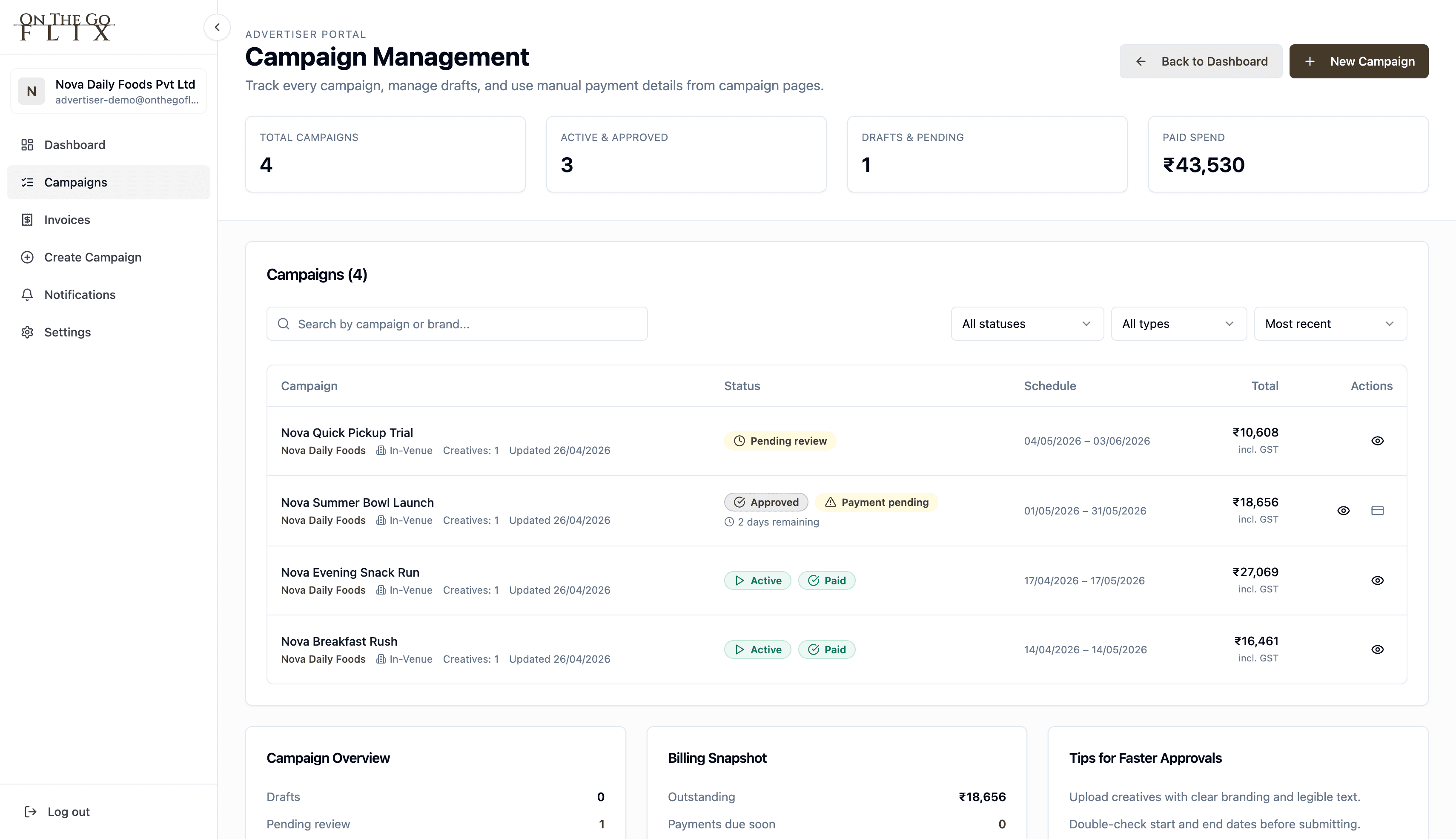
Submit the creative with your venue shortlist and campaign dates. The team reviews content and format before confirming launch. If revisions are requested, upload the corrected version and confirm which creative will run.
For In-Ride planning, video slots and poster/static placements have different timing rules. The current estimator uses a fixed 20-second dwell for posters. Fleet availability remains subject to rollout and booking confirmation.